
Turning Field Forms Into Client-Ready PDFs, With a Review Step in Between

An electrical contractor came to us with a request that sounds routine. They wanted a form their team could complete on site, photos included, that turns into a professional PDF and goes out to the client.
Dozens of tools already do that.
But two things in the brief meant none of them fitted. Each submission had to be reviewed and edited by a supervisor before the PDF was produced. And the PDF had to come out looking like their report, not like a form printout.
Why a review step changes the job
Search for a way to turn a Google Form into a PDF and you will find plenty of options. Several are free add-ons.
Nearly all of them assume the same thing: the moment the form is submitted, the document is final.
That holds up for a booking confirmation. It holds up less well for work recorded in the field.
Notes written on a phone, on site, in the middle of a job, are written to be understood by the person writing them. They are a record. They are not yet a document. Everything needed is usually there, but the wording is short, the order follows the job rather than the report, and the context sits in the writer’s head.
None of that matters internally. It matters when the same words carry your logo and go to an insurer.
Why the layout matters just as much
Automatic form-to-PDF tools lay the document out the way the form was filled in. Question, answer, question, answer, straight down the page in submission order.
That is not how a report reads.
A report has an order the reader expects, and it is rarely the order the form collects things in. Sections need to sit on their own lines rather than run together. Photographs need to appear beside the caption that explains them, not in a block at the end. The logo, the wording, the disclaimer all have to be right, because the document is going to a third party who forms an opinion from it.
We got this wrong the first time. The client tested it, told us the output came out broken and confusing, and listed exactly how the report needed to read. We rebuilt the layout around that.
Both problems have the same root. A generic tool treats a form submission as the finished thing. In field work it is the raw material.

What we built
Six parts. One of them is the reason the other five are worth having.
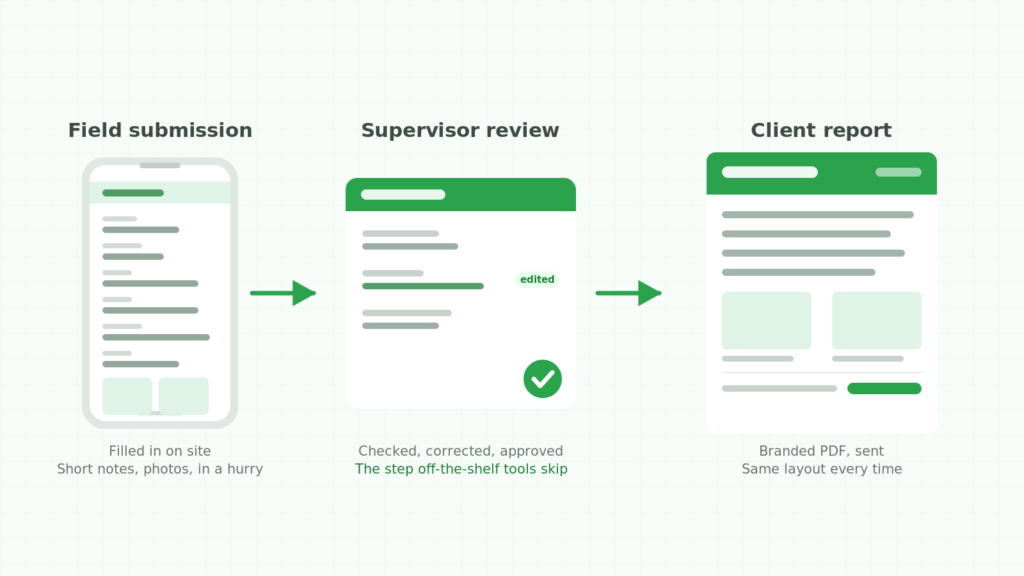
A Google Form the field crew can complete on a phone. Every field the report needs, plus up to ten photos. Each photo has its own caption question, so an image cannot arrive without context. A photo of a damaged fitting means nothing to an insurer without a line saying what it shows.
A response sheet that holds every submission. Each one lands as a row in Google Sheets. Nothing is generated yet.
An email to the supervisor when a submission arrives. This is the piece the off-the-shelf tools skip. A submission does not become a document. It becomes a task for someone with judgement.
A review step in the sheet itself. The supervisor checks the entry, adds anything missing, adjusts the wording for an outside reader, then marks it ready.
One button to produce the report. With the row selected, generate. The system builds the branded PDF in the layout their clients expect, saves it to the company’s own Google Drive folder, and sends it.
A way for them to install the automation themselves, with a short screen recording walking through it. Not glamorous. It is the difference between owning a system and depending on whoever built it.
Two decisions worth explaining
Cutting scope instead of cutting quality
Our first quote came in above what the client wanted to spend, and they said so.
We did not shave the number and quietly do less. We itemised the build instead. Every component, and what each one involved, so they could see where the money went and decide what to drop.
They dropped the custom review interface. Instead of a purpose-built screen for supervisors, they would edit submissions directly in the sheet.
That is a real downgrade in comfort. It changes nothing about whether the system works, and they knew exactly what they were giving up.
The parts we left alone were the ones that fail quietly when rushed: the automation trigger, the PDF generation, the handover.
Saying no to something they asked for
They wanted headers and footers repeating on every page.
Automated PDF generation in Google’s tools does not support that. It is a platform limitation, not a question of effort. There is a workaround, which means hand-building the layout of the sheet that becomes the PDF, but it is slow and fragile and it would have taken the budget somewhere they did not want it to go.
So we said it could not be done at that price, and explained why.
They got their disclaimer on the first page, where it does the job. Nobody found a missing feature after go-live.
What changed
The document is generated, not written twice. The report comes from the submission the crew already made. The office job is checking, not producing.
Reports stopped varying. Same template, same branding, same structure, whoever filled in the form.
Problems get caught before the client sees them. Judgement stays in the process. Only the mechanical part is automated.
It belongs to them. The system lives in their Drive, under their account. They can add a field or reword the template without calling anyone.
Their verdict: “Super happy with this.”

Does this apply to your business?
The specifics here were electrical reports going to insurers. The shape is far more common:
- Plumbers and HVAC technicians sending service reports to property managers
- Solar installers producing commissioning documents
- Restoration crews sending damage assessments to loss adjusters
- Any inspection where photos and findings go to someone outside the business
If the sequence is captured in the field, checked by someone, sent to a client, the middle step is where the time goes. Most Google Form to PDF add-ons assume it away.
A standard add-on is the right answer when a generic template fits your report, whoever fills it in produces send-ready text, and nobody needs to approve anything. Plenty of businesses are in that position.
Building something makes sense when:
- Someone has to approve submissions before a client sees them
- The document carries your branding and goes to a third party
- Your report has a required layout and a generic export will not produce it
- Field staff work on phones, in bad light, in a hurry
- You would rather own the system than rent it per seat, every month
That last one matters more than people expect. A monthly subscription across a field team, running for years, usually costs more than building the thing once.
If this sounds like your paperwork
We build custom Google Form to PDF systems for trade and field-service businesses, with the review step in the middle where it belongs.
Get in touch and we will talk through what yours would take. No obligation. If a standard tool would do the job, we will tell you that instead.
Keep reading
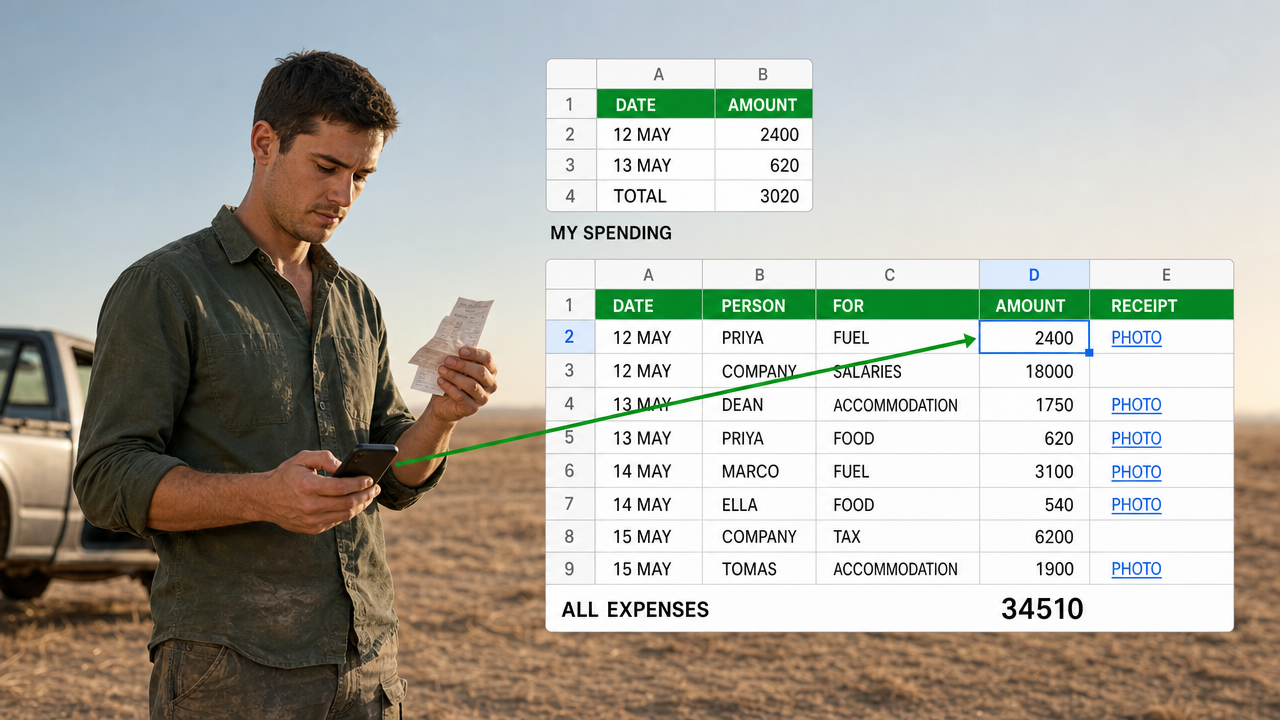
A Google Sheets Cash Book That Several People Can Spend From
Five people spending, so five forms. That is the answer everyone reaches for, and it ties the shape…
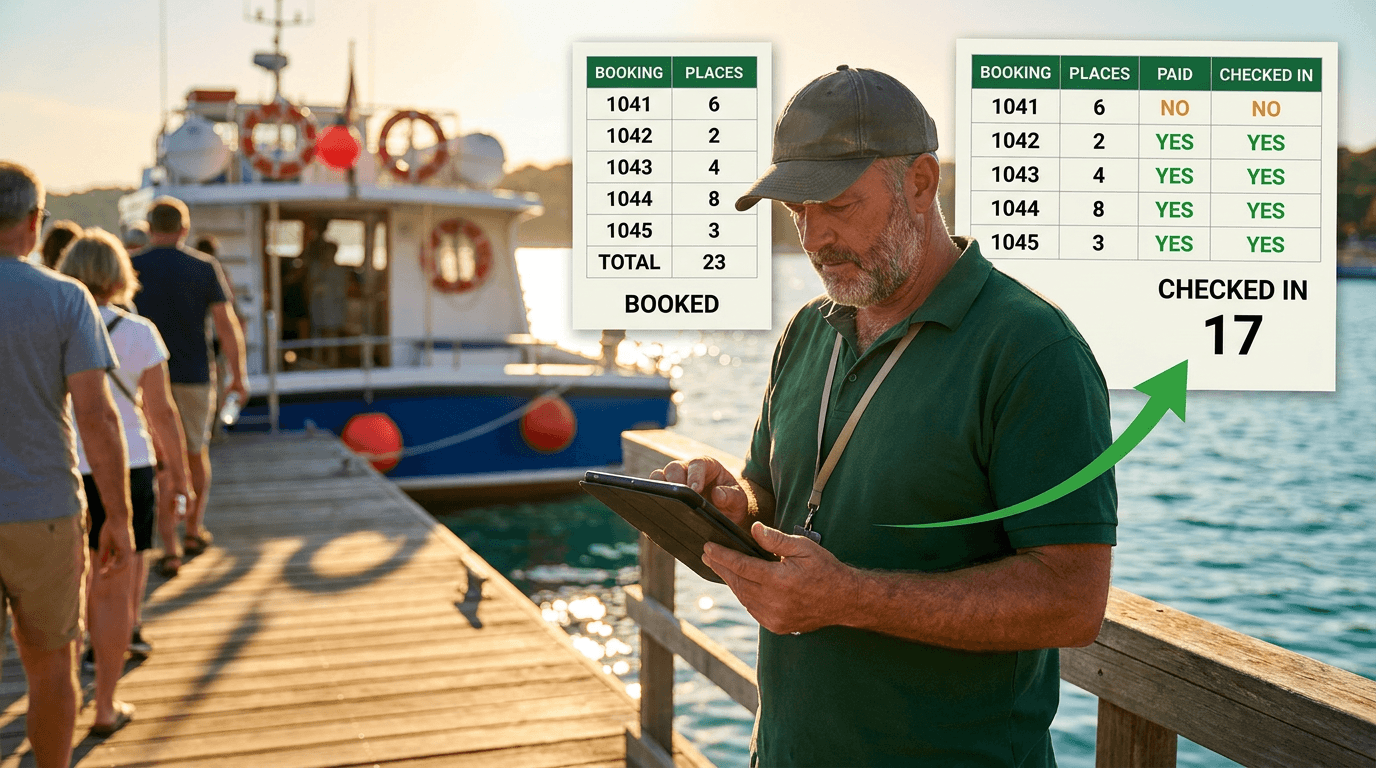
A Google Sheets Booking System That Counts Who Actually Turned Up
Six places booked, four people aboard. A booking sheet that records only the promise is measuring your intentions.…
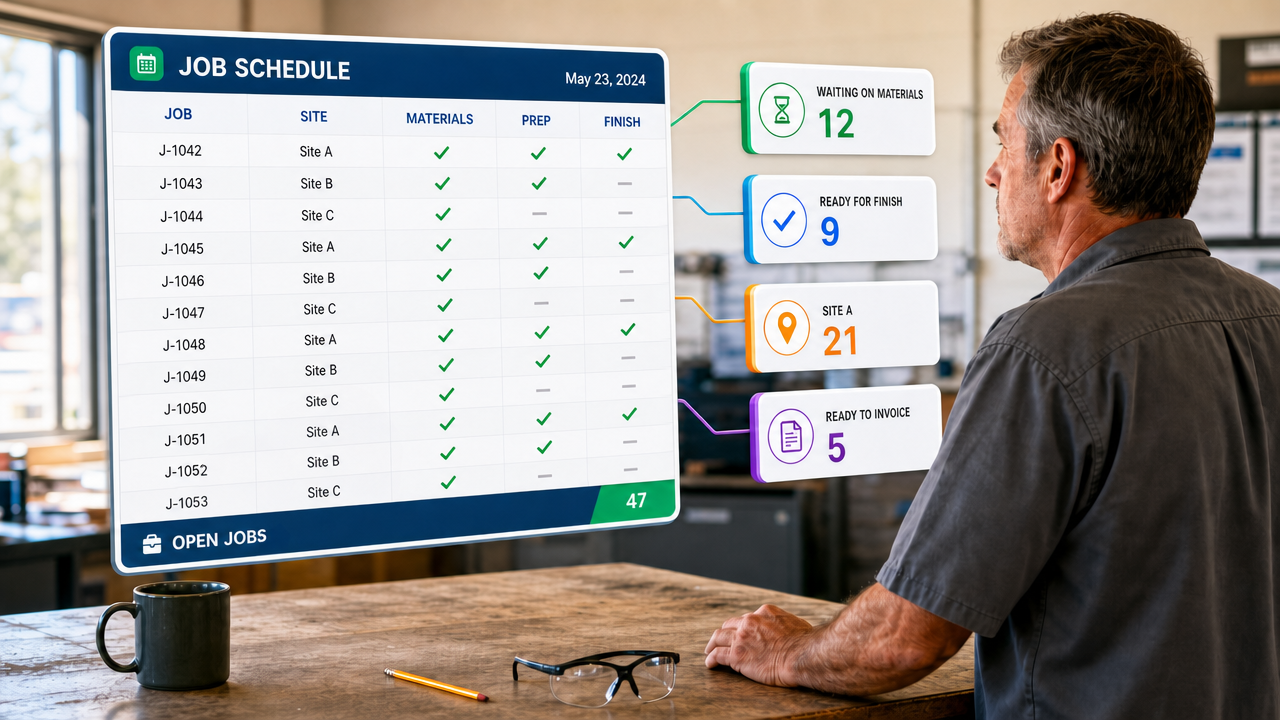
Tracking Hundreds of Jobs Through Stages in One Spreadsheet
A tab for every stage drifts within a fortnight. Keep one table instead, and let every list be…
Want this built for your team?
Book a free 30-minute discovery call. We will map the system before you commit to anything.