
Tracking Hundreds of Jobs Through Stages in One Spreadsheet
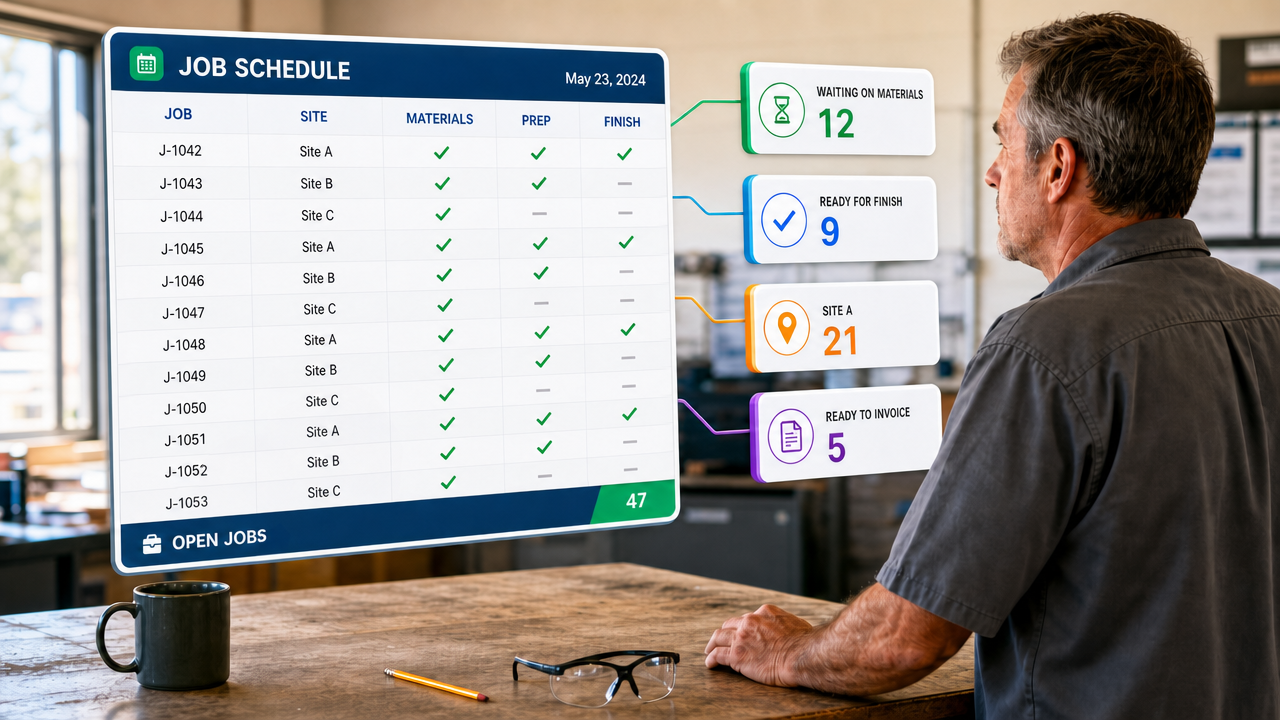
If your work moves through stages, one question decides your week.
Which jobs are waiting on what, right now?
Not which are open. Not how many. Which specific ones are sitting waiting on parts, and which are ready for the next trade to start, and which could go out today if somebody checked.
When you have twenty jobs open you carry that in your head. At two hundred you can’t, and the cost of not knowing shows up as jobs delivered unfinished, work done twice, and mornings spent finding out what a system should have told you.
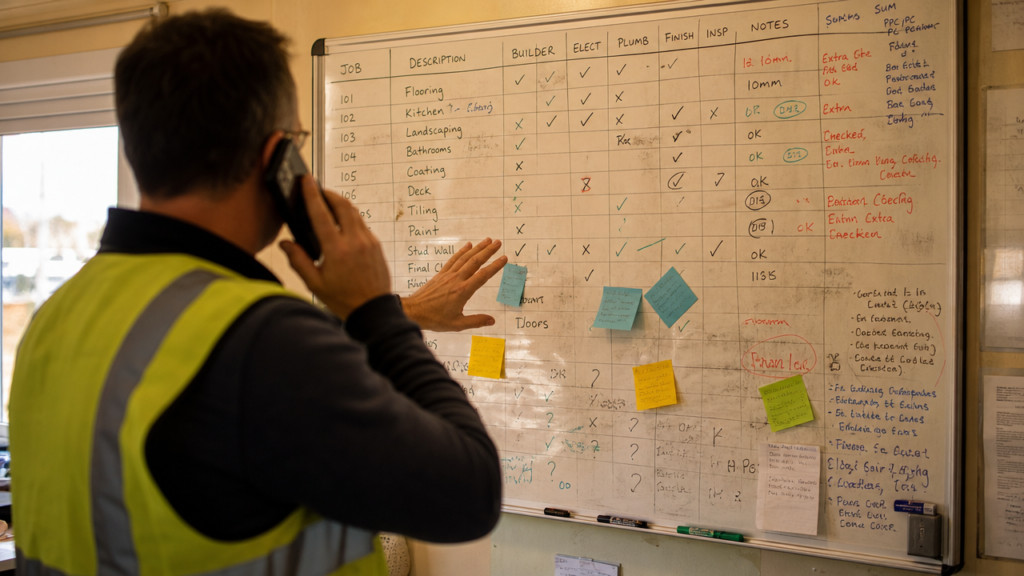
Everyone’s first answer is a list for each stage
It’s the obvious fix, and it feels like organisation. A tab for jobs waiting on parts. Another for jobs ready for paint. Another for jobs waiting on approval. Tick something off here, add it there.
It works for about a fortnight.
Then a job gets added to the main sheet and forgotten on the parts tab. Something is finished and crossed off one list but not the other. Somebody sorts a column. Within a month the lists disagree, and the person who has to reconcile them stops trusting all of them.
That isn’t carelessness. The structure asks people to say the same thing in more than one place, and any structure that does will drift. It’s only a matter of how fast.
The same trap catches locations, sites and crews. When a second one appears, the instinct is to copy the whole file. Now the formulas exist twice, a change has to be made twice, and no question can be asked across both without opening both.
A list isn’t a thing you keep. It’s a question you ask.
Here’s the shift, and everything else follows from it.
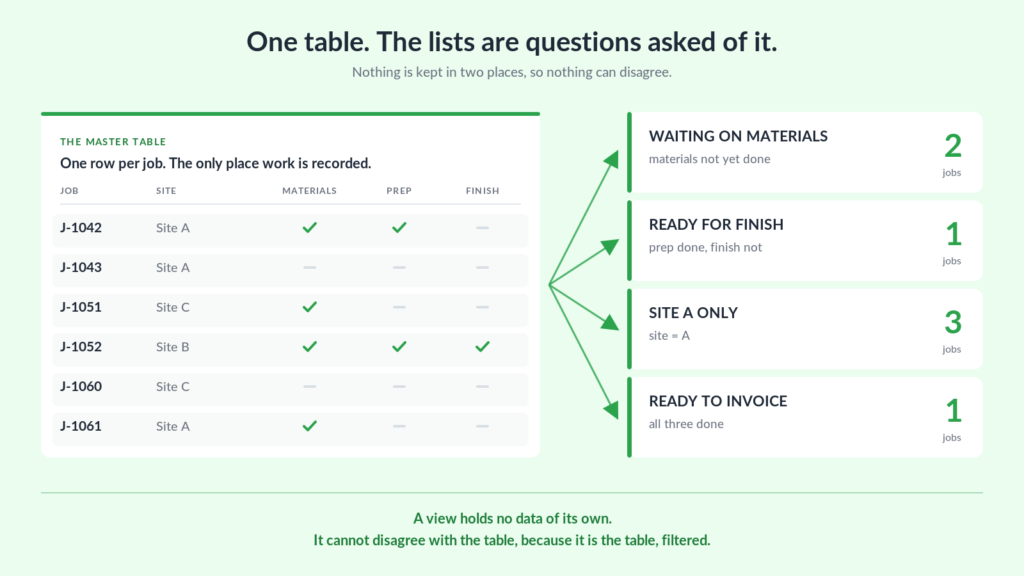
Which jobs are waiting on parts? is not a list. It’s a filter with two conditions — needs parts, parts not yet fitted. Nobody has to maintain the answer. Tick the box on the job, and it leaves that view because it has stopped meeting the condition.
So there is one master sheet where work is actually recorded, one row per job, and a set of views over the top. The views hold no data of their own. They can’t disagree with the master because they are the master, filtered.
One of these we’ve built runs between seven hundred and fifteen hundred jobs a year, across as many as eight sites at once, with four separate trades touching each job. It is one table.
Underneath, the data usually wants three linked tables — the jobs themselves, the materials or parts against each one, and the labour, with hours, rate and who did the work. All three carry the job number, so a job card, a status or an invoice can be assembled without anything being copied between them.
Two things stop being problems
Adding a site costs nothing. Location becomes a column on each job rather than a separate file, with a view per site over the top. Opening a new one is entering a value. If your sites are temporary — storm work, seasonal contracts, a job that runs for six weeks — that’s the difference between the system helping and the system being a reason to hesitate.
Adding a stage costs nothing either. On the build above, two more stages appeared after the work had been scoped, including an approval step with its own filed and approved states. Both were new questions of the same table. Nothing had to be rebuilt, because nothing had been duplicated in the first place.
That’s the real test of this structure. A system built on copies gets more expensive to change over time. A system built on one table gets cheaper.
Most of the work is in the questions, not the data
That build was scoped as nine pieces of work.
One was the database. Six were views of it — one per stage, plus what needed ordering, plus the per-site views. The last two covered invoice generation and the formatting.
Six to one. That ratio surprises people, and it shouldn’t.
Recording the work is the easy half, and it’s the half most people have already done. What they’re missing is the ability to ask it anything without going and looking. You are not usually short of data. You are short of answers.
The one thing we deliberately left manual
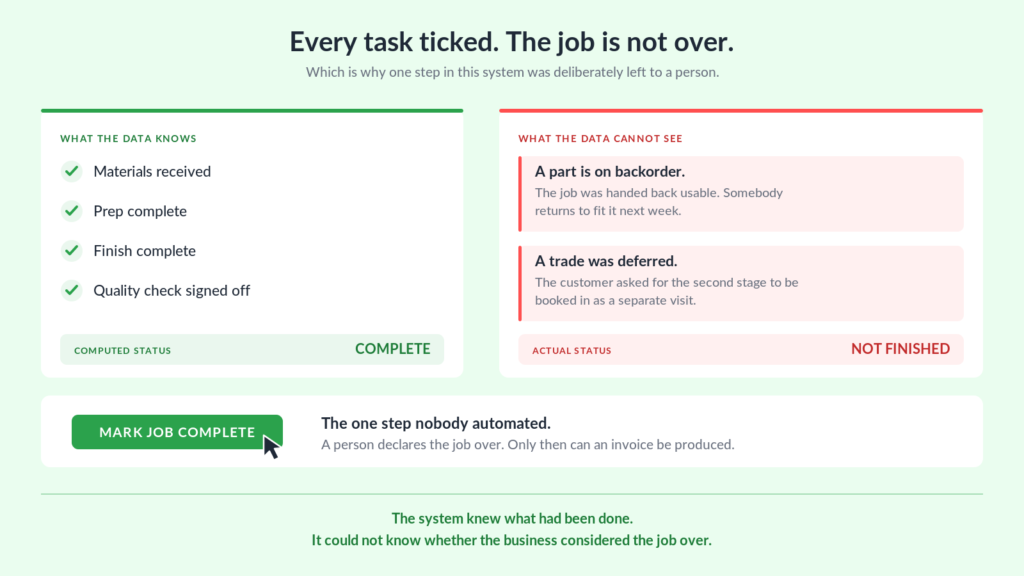
An invoice needs a finished job, and the obvious way to find one is to read the status data. Every task recorded as done, so the job is over, so bill it.
Except that isn’t what finished means on the ground.
Materials get backordered. A customer needs the job handed back before the last part arrives, so it goes out usable and somebody returns later. A trade gets deferred to a second visit. In every one of those cases the tick boxes say complete and the job is not.
So the system stopped trying to work it out. A person presses a button that says this job is finished, and only then can an invoice be produced.
That looks like a step backwards. It isn’t. The system knew what had been done. It could not know whether the business considered the job over — and that is a judgement, not a calculation.
Anything cleverer would have been guessing at something a person already knew for certain. The useful question when automating something is not can this be worked out, but who actually knows the answer.
Where a shared spreadsheet does stop working
Anyone selling job management software will tell you a spreadsheet won’t survive this. Mostly that’s a sales position — the one above was still running a year later, and the business came back wanting to extend it rather than replace it.
But there’s one thing they’re right about, and it’s worth saying plainly.
On that system, somebody else opened the sheet and changed things. The reports stopped working. Invoices started generating for jobs that weren’t finished. Nothing about it was obvious either — the formulas that make the views work don’t look like formulas from the outside. They look like a list.
That’s the genuine weakness, and being careful doesn’t fix it. Software protects itself, because there is no cell to type into. A spreadsheet trusts everyone who can open it.
If several people will edit the data every day, weigh that seriously. If one or two people own the sheet and everyone else reads the views, it stays manageable for a long time — years, in our experience.
How to tell whether this is your problem
Three questions worth asking about your own setup.
Is the same fact recorded in more than one place? If a job being finished has to be marked on the schedule and the invoice list and the whiteboard, you don’t have a tracking problem. You have a duplication problem, and it will get worse.
When you add a site, a crew or a stage, do you copy something? If yes, the cost of every future change just went up. Adding should mean entering a value, not cloning a structure.
Can you answer “what’s waiting on X” without looking? If the honest answer is that you’d have to go and check, the information exists but isn’t reachable. That’s usually a view you haven’t built, not data you haven’t got.
None of that needs new software to diagnose. It’s a question of how what you already record is arranged.
If this sounds familiar
We build custom job tracking and invoicing systems in Google Sheets and Excel, shaped around the stages your work actually moves through, and handed over so you own them.
Get in touch and tell us what your stages are and roughly how many jobs are open at once. We’ll tell you what it would take. No obligation. If you’ve reached the point where dedicated software is the better answer, we’ll say so.
Keep reading
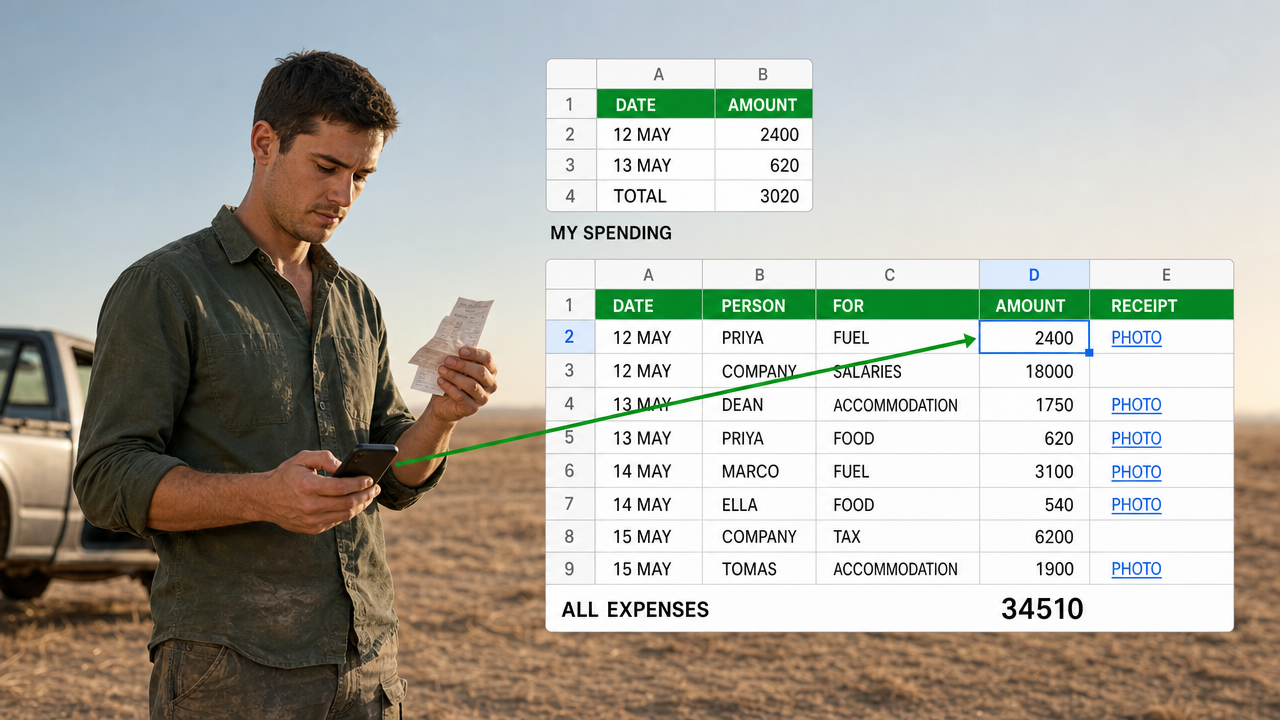
A Google Sheets Cash Book That Several People Can Spend From
Five people spending, so five forms. That is the answer everyone reaches for, and it ties the shape…
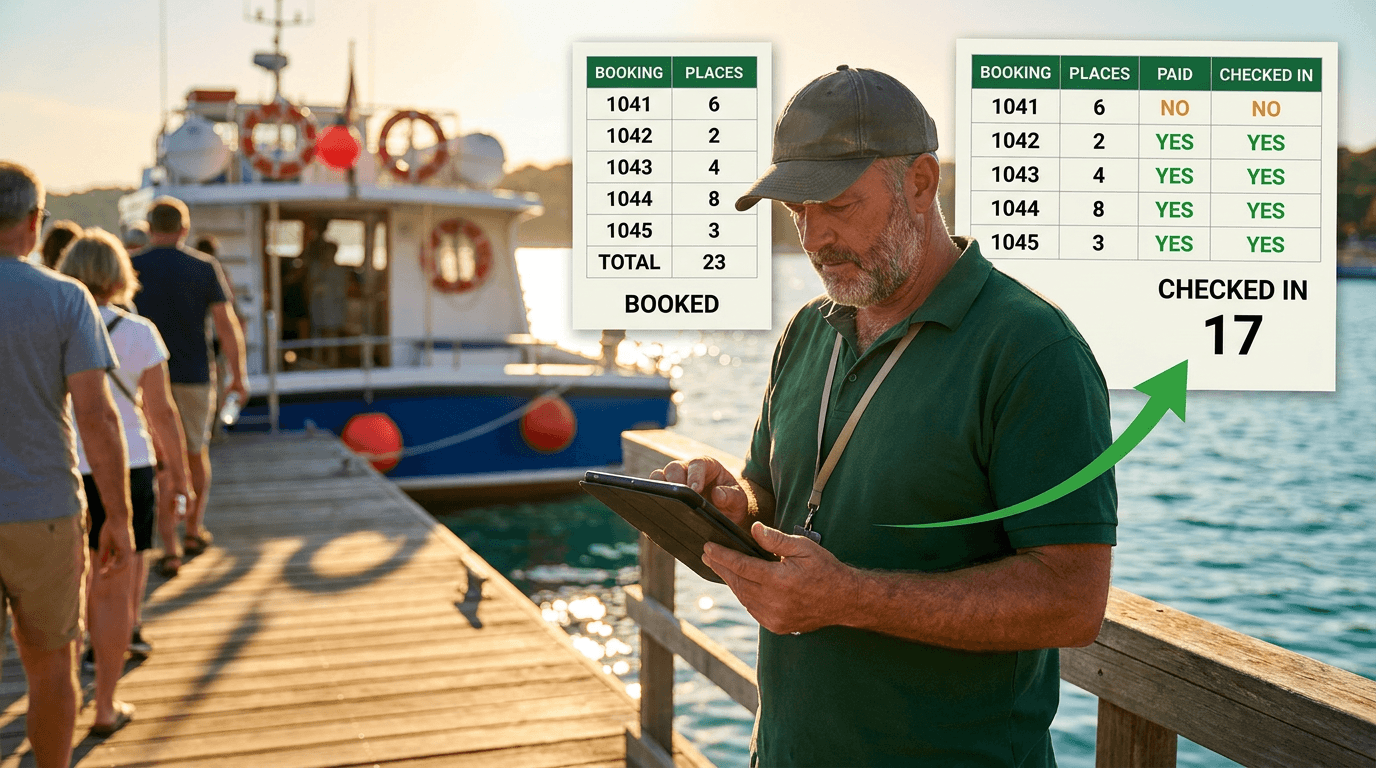
A Google Sheets Booking System That Counts Who Actually Turned Up
Six places booked, four people aboard. A booking sheet that records only the promise is measuring your intentions.…
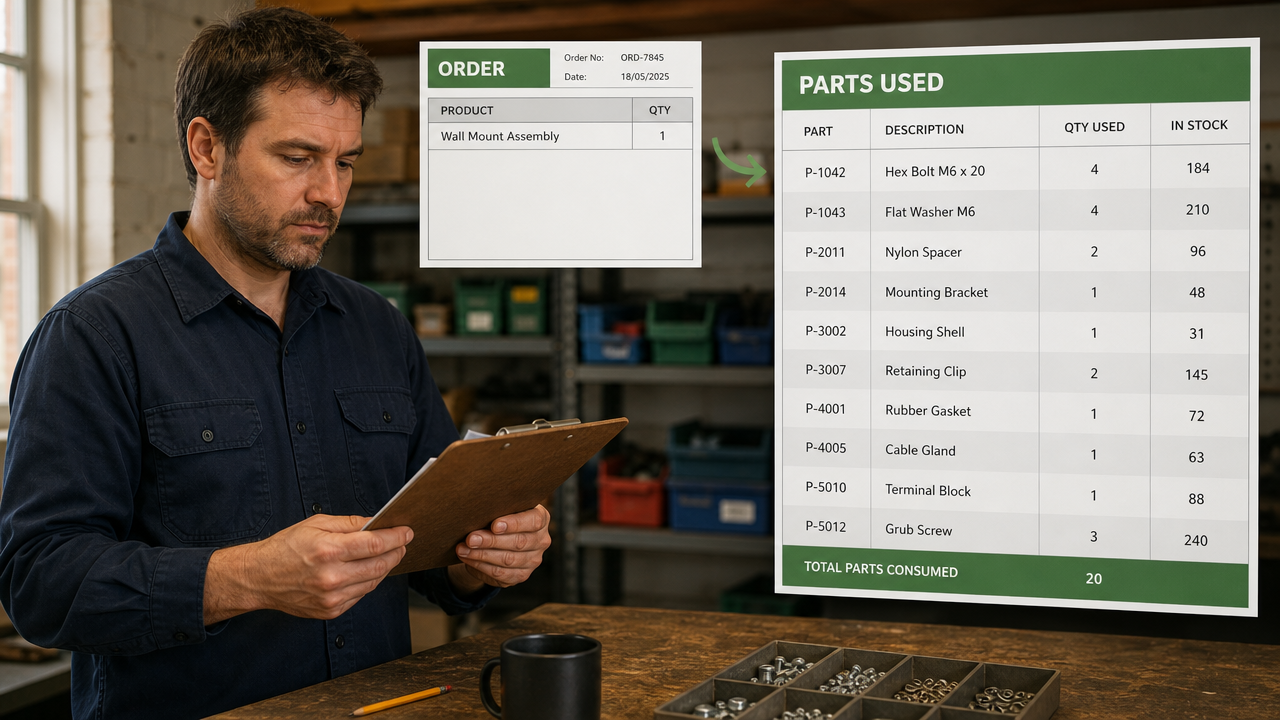
Tracking Parts Inventory When Your Products Share Components
Store platforms count products. When many products share the same parts, counting products tells you nothing about what…
Want this built for your team?
Book a free 30-minute discovery call. We will map the system before you commit to anything.