
The Contractor Who Was Building Every Estimate Twice

A residential construction and remodelling contractor in the US came to us with a spreadsheet that was almost working.
Almost, in this case, meant their estimators were doing the same job twice on every project. Here’s what was going wrong, what we built, and what it changed.
Two files for one job
They’d built their own estimate template in Excel, modelled on the one that came with the project management software they were already paying for. It got them part of the way. Then it stopped.
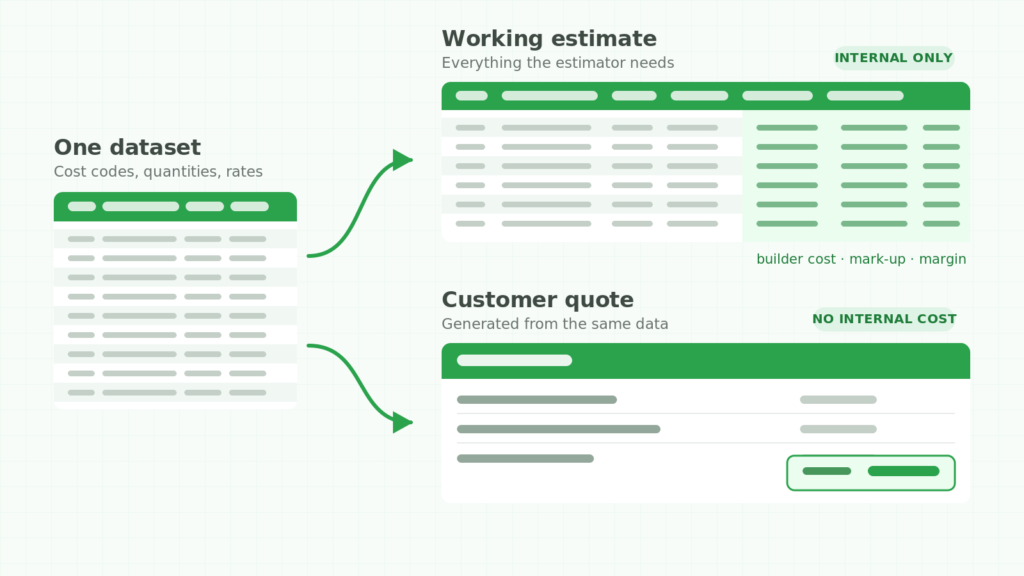
The working file had everything an estimator needs: cost codes, descriptions, unit costs, quantities, builder cost, mark-up, owner price, totals at the bottom. Perfect for pricing a job.
Completely wrong for showing a customer.
So once the numbers settled, somebody lifted the relevant lines out and rebuilt them as a clean quote. Retyping, reformatting, double-checking it matched. Every quote. Then again for every revision — and estimates get revised far more than anyone plans for.
Two other things were making it worse.
Their pricing didn’t fit in one column. Mark-up wasn’t a single rule. Depending on the line, they needed it as a percentage, as a fixed amount per unit, as a flat dollar figure, or not at all. The template had one mark-up column, so everything else became a manual calculation typed over the top — and manual overrides are exactly where estimating errors hide.
Internal costs sat one careless copy from the customer. Builder cost and per-line pricing lived in the file that got emailed out. The only thing protecting their margins was somebody remembering to delete the right columns first.
None of this is a formula problem. That’s why their own attempt hadn’t fixed it. One sheet was being asked to serve two completely different audiences, and no amount of tidying up solves that.

Why we put it in Google Sheets
They’d asked for Excel or Sheets, and we recommended Sheets.
The argument wasn’t about features. It was about how estimating actually happens: several people touch the same job, questions come up mid-quote, and files get emailed around and quietly forked into three versions. A shared live document ends the version problem outright.
It also made the automation further down possible — which mattered more than either of us expected at the time.
One dataset, two views of it
This is the decision everything else rests on.
The estimate and the quote stopped being two documents. They became one set of data with two views. Estimators work in the detailed view. The customer-facing quote is generated from that data rather than rebuilt beside it.
Change a quantity once and the customer document already reflects it. There’s nothing to keep in sync, because there’s no second copy to keep.
Deciding once what the customer never sees
Because the quote is generated instead of copied, we could set exactly what crosses the line. Builder cost doesn’t. Unit rates don’t. Neither does per-line pricing — their call, and a common one, since itemised pricing invites customers to negotiate line by line over work that was scoped as a package.
Which fields they chose matters less than this: the structure now enforces the decision, instead of relying on someone to remember it at six on a Friday.
Ninety cost codes they can edit themselves
Their cost code list ran to about ninety entries, grouped in phases — preparation and permits, excavation and foundation, rough structure, full enclosure, finishing trades, completion and inspection.
A list that size is never finished. Trades change, categories split, codes get retired.
So the codes don’t live inside the estimate. They sit in their own reference list, and every dropdown reads from it. Adding a code means adding a row. No formulas touched, nothing that breaks, nobody to call.
There’s a second half to this. A cost code is precise and, to a homeowner, meaningless — the number that says roofing labour to an estimator says nothing to the person paying for it. So every line also carries a plain-English description, and that’s what reaches the customer.
We originally generated that description automatically from the code. In real use they found it needed to vary per job even when the code didn’t: two roofing-labour lines on two different projects want different wording. So we made it a field the estimator types. Internal consistency from the code, human language for the customer, both on the same row.
That change didn’t come from the brief. It came from watching how estimators actually used the thing — which is the honest argument for building around a real process instead of adopting someone else’s template.
One customer, three projects, one quote
A few weeks after delivery they came back with the hard one.
A single customer might have three jobs running at once: a kitchen, a master bathroom, a basement. They wanted one quote covering all three, each room named and sectioned separately, with a single grand total at the bottom.
Formulas can’t do that cleanly. Every project has a different number of lines and every customer a different number of projects, so the shape of the output changes on every job. There’s no fixed layout to build against.
We solved it with a script behind one button. The estimator tags each line with its customer and project, clicks once, and the document assembles itself — right sections, right order, grand total at the end. Two days from brief to delivery.
What changed
The rebuild step disappeared
The customer document is produced from the estimate now, not retyped from it. Multi-project quotes that meant assembling several sections by hand became one click.
The saving lands hardest on revisions, which is where estimating time actually goes. The first quote was never the expensive one. The fourth version was.
There’s only one version of the truth
One dataset. One place to edit the cost codes. And a customer-facing document that can’t leak internal cost, because that data was never put into it.
Their estimator’s verdict, after real time in it:
“Our estimator is really happy with this. It’s perfect.”
It was built to be handed over
The parts most likely to change were deliberately left in their hands. The cost code list is theirs to extend. The grouping logic copes with any number of projects per customer and any number of lines per project. Several estimators work in one live file instead of emailing versions back and forth.
That last part gets underestimated. A custom system you can’t maintain yourself is just a template with extra steps and a phone number attached.

If you’re roofing rather than building
The calculation is different — squares instead of square feet, pitch multipliers, waste factors, tear-off and disposal, and a material choice that resets the whole cost base.
The structure is the same. You’re building a price up from measured quantities and rates, applying mark-up, and producing something for the customer that shows the work without showing your margins. Roofing material and roofing labour were already two lines on this contractor’s cost code list. In a roofing business, those lines become the entire estimate instead of one phase of it.
Sound familiar?
If your estimators are rebuilding quotes by hand, if your pricing needs manual overrides on most jobs, or if one person is the only one who really understands the spreadsheet — that’s structural, and it’s usually fixable faster than people expect.
We build custom estimating and quoting systems in Google Sheets and Excel for construction, roofing and trade businesses, designed around the way you already price work.
Get in touch and we’ll talk through what yours would involve. No obligation — and if an off-the-shelf template would genuinely do the job, we’ll tell you that instead.
Keep reading
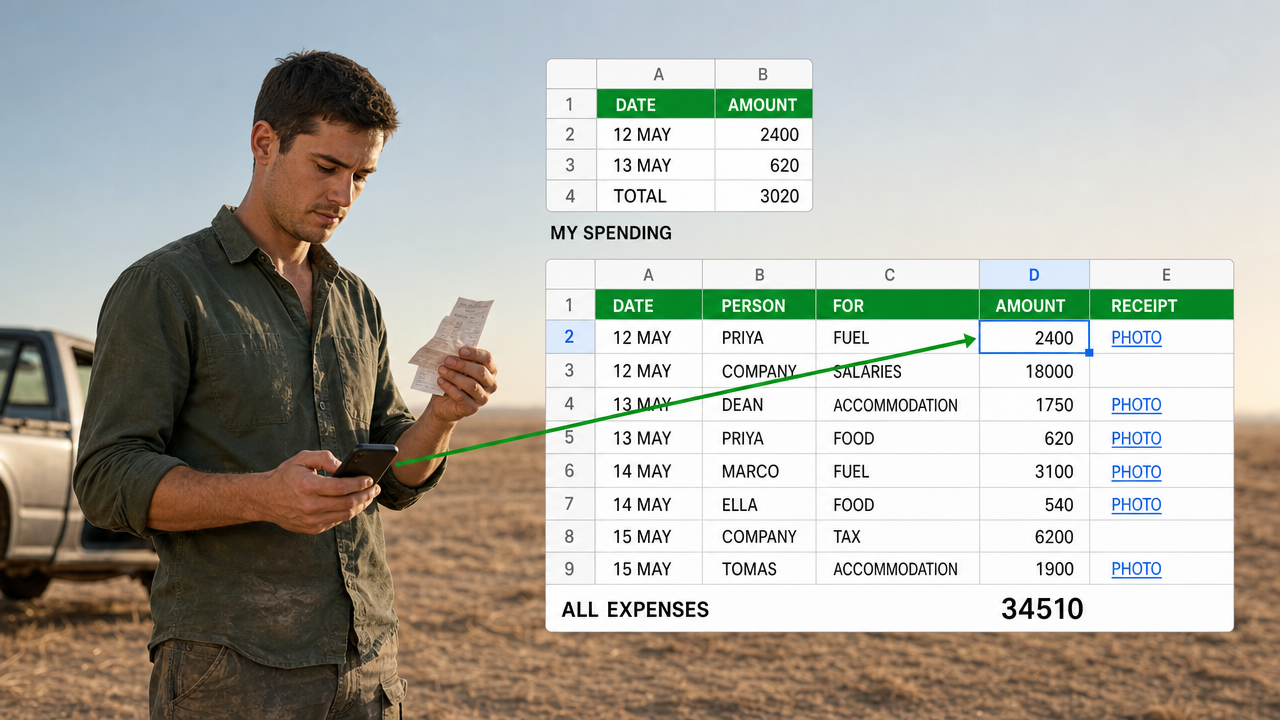
A Google Sheets Cash Book That Several People Can Spend From
Five people spending, so five forms. That is the answer everyone reaches for, and it ties the shape…
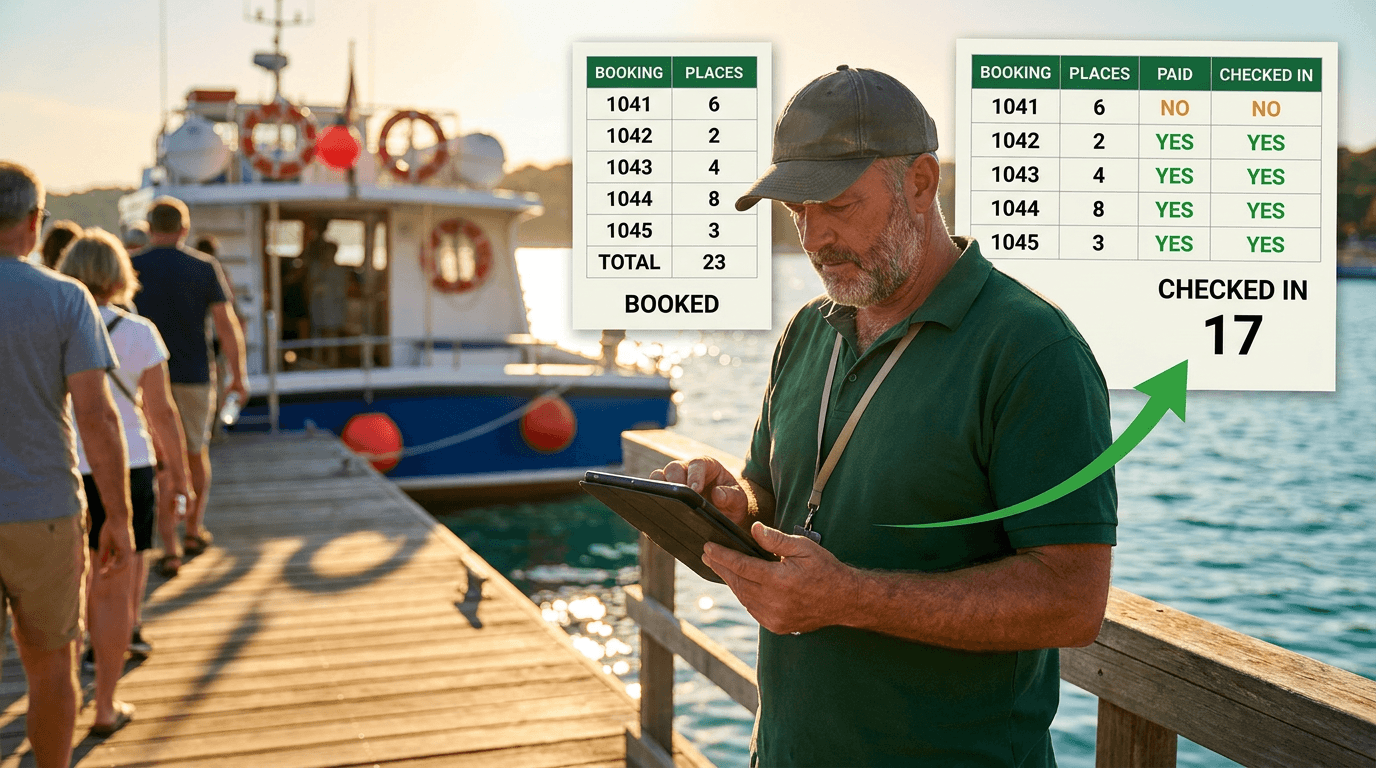
A Google Sheets Booking System That Counts Who Actually Turned Up
Six places booked, four people aboard. A booking sheet that records only the promise is measuring your intentions.…
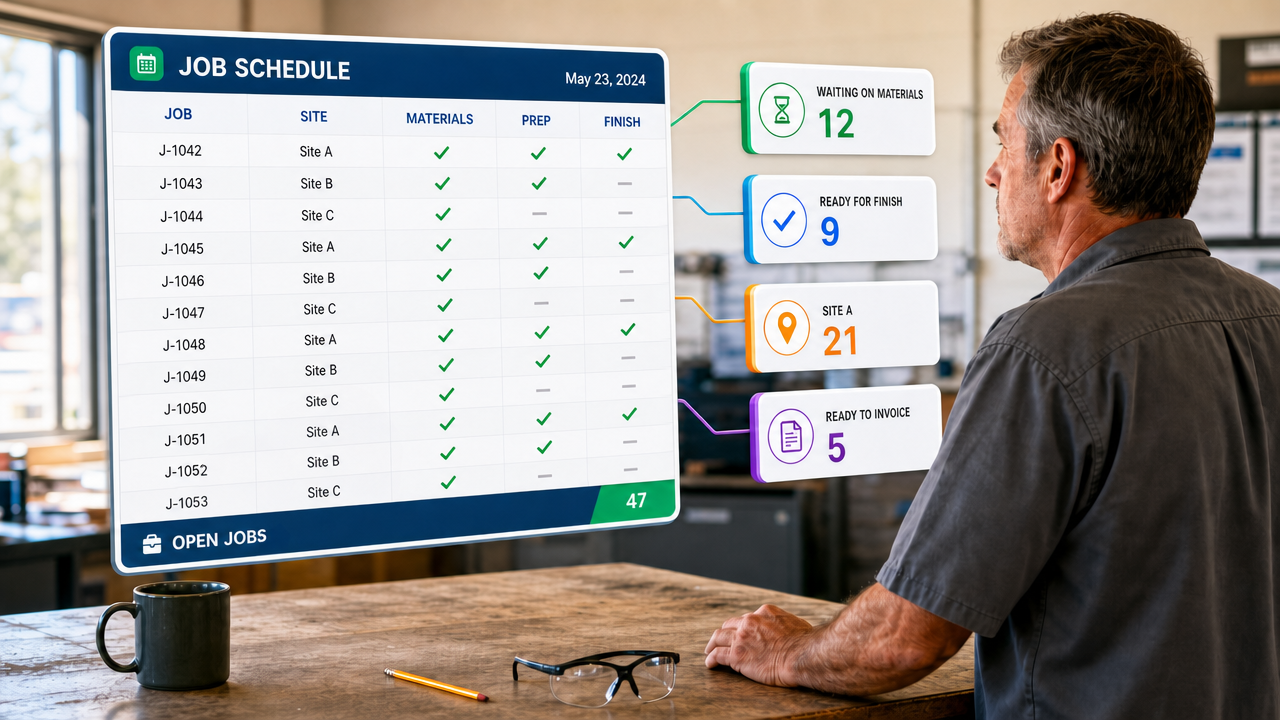
Tracking Hundreds of Jobs Through Stages in One Spreadsheet
A tab for every stage drifts within a fortnight. Keep one table instead, and let every list be…
Want this built for your team?
Book a free 30-minute discovery call. We will map the system before you commit to anything.